



Course Description
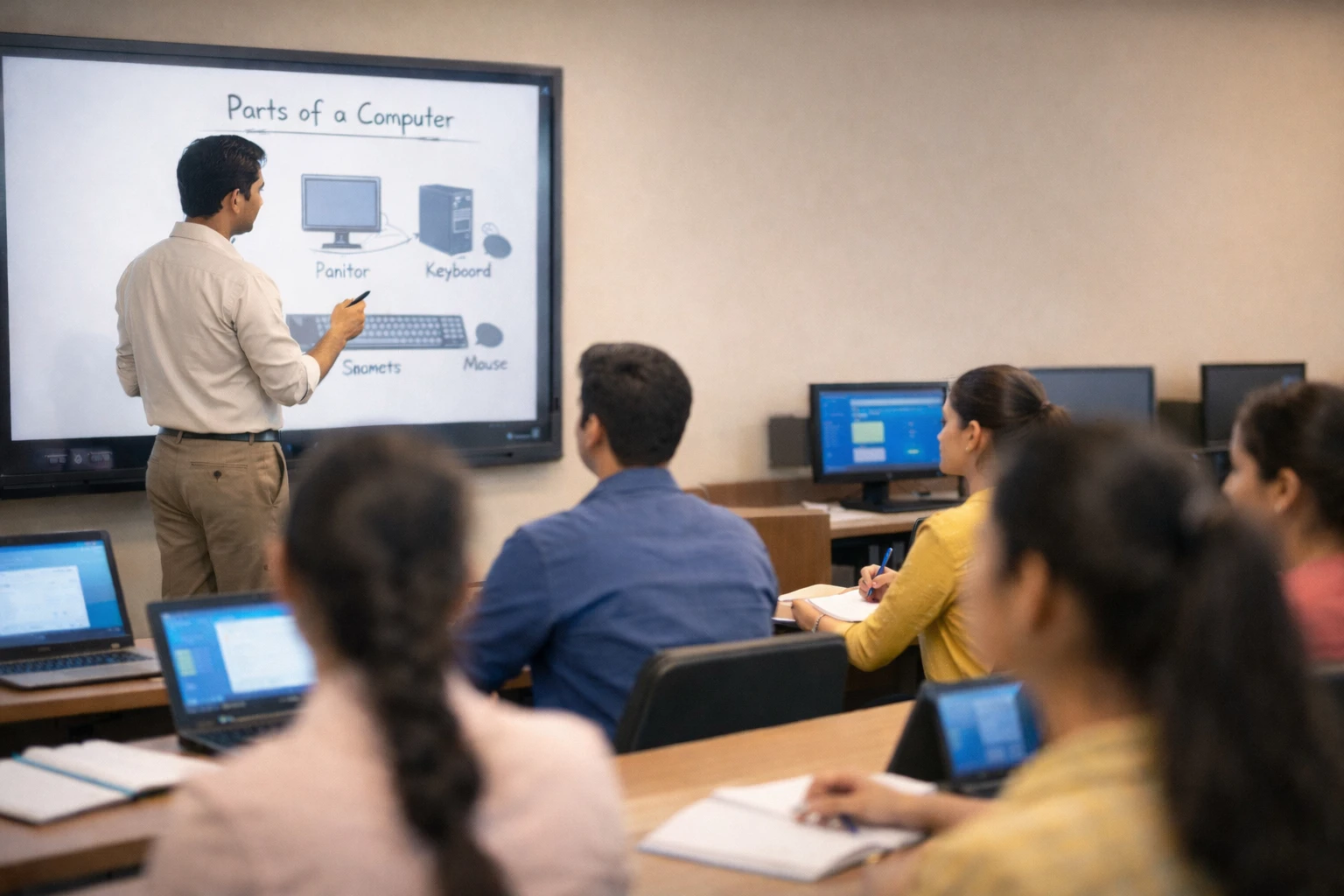
Acadmiac’s Computer Literacy Course Certificate is designed to build essential computer skills for beginners through a practical, step-by-step learning approach. The program covers core computer fundamentals, operating systems, word processing, spreadsheets, presentations, internet usage, digital communication, and basic system security. Delivered in eight structured modules with hands-on practice, the course helps learners build confidence using computers for everyday tasks, academic work, and workplace readiness. By the end of the program, learners develop practical digital skills supported by a clear understanding and certification.
The Acadmiac Advantage
- Build strong foundational computer skills required for everyday personal, academic, and professional use.
- Learn to work confidently with operating systems, documents, spreadsheets, presentations, and online tools.
- Develop practical digital literacy through hands-on modules focused on real-world computer usage.
- Strengthen awareness of internet safety, data protection, and basic system maintenance.
At Acadmiac, we believe digital confidence is a life skill. This course is designed to help learners move from hesitation to independence by mastering essential computer functions step by step. With guided practice and clear learning outcomes, students gain the clarity, confidence, and capability to use computers effectively in daily life and entry-level professional environments.
Module 1: Fundamentals of Computer Systems
Understand basic computer concepts and how digital systems function.
- Introduction to Computers
- Evolution & Generations of Computers
- Types & Categories of Computers
- Components of a Computer System
- Input, Output & Storage Devices
- Basic Computing Terms
- System Operations
Practical Tasks
Outcome: Understand core computer concepts and components.
Module 2: Operating Systems & File Management
Learn to operate a computer system and manage files efficiently.
- Introduction to operating systems
- Windows User Interface and Task Management
- File & Folder Management
- System Settings & Control Panel
- Keyboard Efficiency
Practical Tasks
Outcome: Navigate operating systems and manage files confidently.
Module 3: Word Processing Techniques (MS Word)
Create, edit, and format professional documents.
- Introduction to Word Processing
- Document Creation & Management
- Formatting Tools
- Working with Elements
- Reviewing & Finalizing Documents
- Printing & Exporting
Practical Tasks
Outcome: Create and format documents using word processing tools.
Module 4: Spreadsheet Operations (MS Excel)
Work with data using spreadsheets and basic formulas.
- Spreadsheet Structure and Navigation
- Data Entry and Formatting
- Basic Formulas and Functions
- Charts and Data Presentation & Management
Practical Tasks
Outcome: Organize and analyze data using spreadsheets.
Module 5: Presentation Development & Delivery (MS PowerPoint)
Design clear and effective presentations.
- Slide Creation and Layouts
- Text, Images, and Design Elements
- Transitions and Animations
- Professional Presentation Best Practices
Practical Tasks
Outcome: Create structured and visually clear presentations.
Module 6: Internet Applications & Online Communication
Use the internet and email safely and effectively.
- Internet basics and browsers
- Search engines and online information
- Email creation and management
- Online communication etiquette
Practical Tasks
Outcome: Use internet and email tools confidently and safely.
Module 7: Social Networking & e-Governance Services
Understand social platforms and digital government services.
- Social media platforms overview
- Instant Messaging Platforms
- Online Safety and Digital Behavior
- e-Governance Services Introduction
- Digital Identity and Services Access
Practical Tasks
Outcome: Use social platforms and e-services responsibly.
Module 8: Computer Maintenance & Data Security
Maintain system health and protect digital information.
- Software Installation & Maintenance Basics
- Virus and Malware Awareness
- Data Protection Practices
- System Safety and Backups
- Basic Troubleshooting
Practical Tasks
Outcome: Maintain computer systems and protect data securely.
Evaluate practical understanding through hands-on exercises.
- Module-wise practical evaluation
- Basic computer operations test
- Document, spreadsheet, and presentation tasks
- Internet and system usage assessment
- Theoretical and Practical Tests
Outcome: Demonstrate practical computer literacy across all modules. Certification is awarded upon successful completion
Mr. Shubham Kumar Thakur
Computer Applications Educator | Digital Skills Trainer
There are no reviews yet. Be the first one to write one.
Course Includes:
-
Price: (+ add. 18% GST)5,000 INR
- Instructor: Mr. Shubham Thakur
- Duration: 5 Weeks
- Lessons: 8 Modules
- Mode: On-Campus
- Language: English
- Certifications: Yes

Courses You May Like

JEE ADVANCED Exam Preparation Program
Overview About JEE Advanced The Joint Entrance Examination –...

JEE MAIN Exam Preparation Program
Overview About JEE Conducted by the National Testing Agency...

NEET Exam Preparation Program
Overview About NEET The National Eligibility cum Entrance Test...